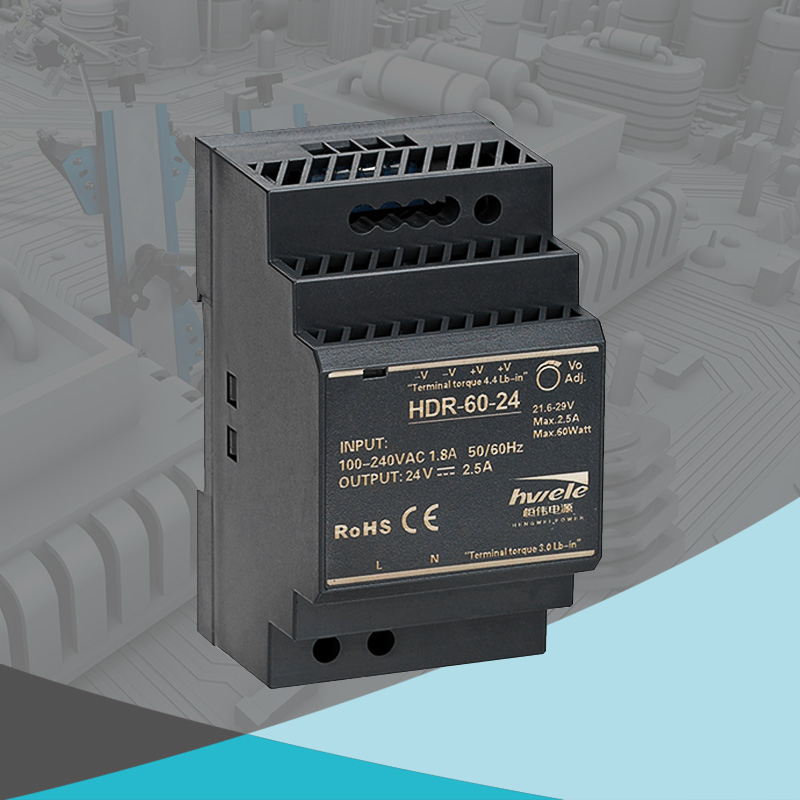


If your LED lights start flickering, dimming, or stop working altogether, the issue might not be the LEDs themselves but the LED driver. This is small, yet powerful component controls how much voltage and current reach your LEDs. Knowing how to check LED driver voltage can help you troubleshoot lighting issues, extend system lifespan, and ensure safety. In this guide, we’ll walk you through what an LED driver is, why voltage matters, and the exact steps to test your LED driver voltage safely and accurately.
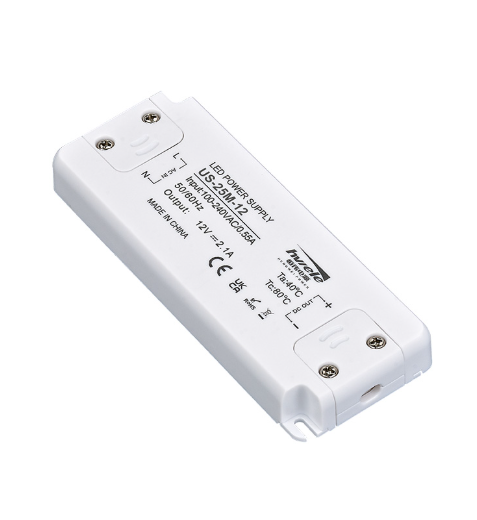
An LED driver is an essential power regulation device that converts AC power from the main supply into a suitable DC voltage or current for LEDs. Since LEDs require a consistent and controlled power source, LED drivers ensure stable operation and prevent damage due to power fluctuations.
There are two main types of LED drivers:
Constant Voltage LED Driver – Provides a fixed output voltage (e.g., 12V or 24V). It’s ideal for LED strips or systems where each module has its own resistor.
Constant Current LED Driver – Supplies a consistent current (e.g., 350mA or 700mA), allowing brightness and efficiency consistency across all connected LEDs.
In short, LED drivers act as the “heart” of your lighting system—ensuring steady performance, efficiency, and long lifespan.
Monitoring your LED driver voltage is more than just a maintenance step—it’s a way to ensure safety, performance, and cost efficiency.
Here’s why it matters:
✅ Prevent LED Failure: Incorrect voltage can burn out LEDs or cause flickering.
✅ Diagnose Problems Early: Helps identify whether issues come from the LED driver or the LED fixture.
✅ Ensure Energy Efficiency: Voltage stability improves overall system performance and reduces power waste.
✅ Avoid Electrical Hazards: Detects overvoltage or unstable current that might damage your circuits.
In short, checking your LED driver voltage helps ensure your lighting system operates safely and efficiently for years.

Testing LED driver voltage is simple when done correctly. Here’s a detailed, step-by-step process to help you safely measure both input and output voltage using a multimeter.
Before starting, always disconnect power to avoid electrical shock. Turn off the circuit breaker or unplug the LED system. Safety first—never handle electrical components under live current.
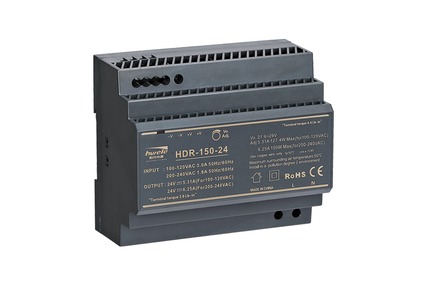
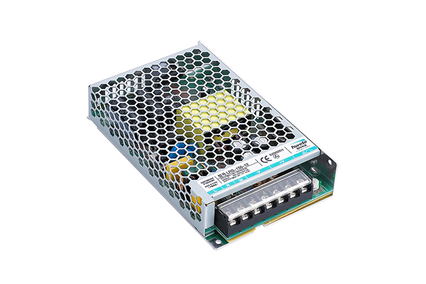
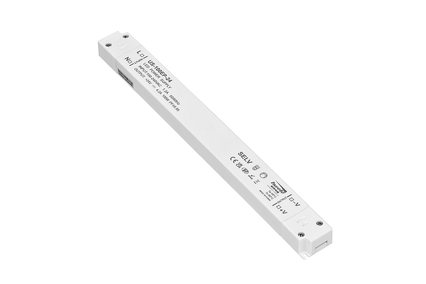
Next, find the LED driver unit inside your fixture or control box. It’s usually a rectangular or compact module labeled with details like voltage, current, and model number. For example, HENGWEI LED Drivers have clear labeling for input/output specifications, making identification easier.
On the driver casing, locate:
Input terminals (AC side): Usually marked as L (Live) and N (Neutral).
Output terminals (DC side): Marked as +V and –V or sometimes Vout+ and Vout–.
Confirm these markings before testing to avoid incorrect connections.
Use a digital multimeter capable of measuring both AC and DC voltage:
Set to AC voltage (V~) for input measurements.
Set to DC voltage (V⎓) for output measurements.
Make sure the multimeter probes are properly connected—red for positive, black for negative or ground.
Reconnect the power supply.
Carefully touch the multimeter probes to the input terminals (L and N).
Record the reading—it should match the rated input voltage (typically 110V–240V AC).
If the input voltage is too low or unstable, the driver may not function properly.
Switch your multimeter to DC voltage mode.
Place the probes on the output terminals (+V and –V).
Note the voltage reading—it should closely match the driver’s rated output, such as 12V or 24V DC for a constant voltage LED driver.
If the reading is significantly lower or fluctuating, the driver may be damaged or overloaded.
Now compare your readings with the driver’s specification label:
If both input and output are correct → The LED driver is functioning properly.
If the input is normal but output is low or zero → The LED driver is likely bad.
If neither input nor output shows a proper reading → Check your power source or wiring.
Knowing how to check if an LED driver is bad using these simple voltage tests can save you time and maintenance costs.
Checking your LED driver voltage is an easy yet crucial task to maintain your lighting system’s efficiency and longevity. Whether you’re troubleshooting flickering LEDs or performing routine maintenance, following this step-by-step LED driver voltage check ensures safe and accurate results. For best performance and long-term reliability, always choose trusted products like HENGWEI LED Drivers—engineered with stability, safety, and quality in mind. Upgrade your lighting performance today with HENGWEI — the professional LED driver manufacturer trusted worldwide.


 Optimized by Seraphinite Accelerator