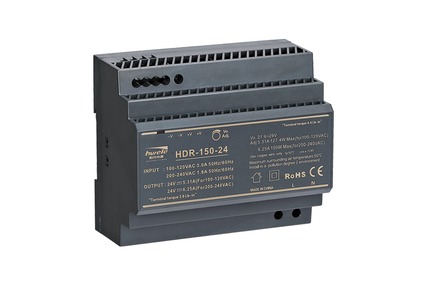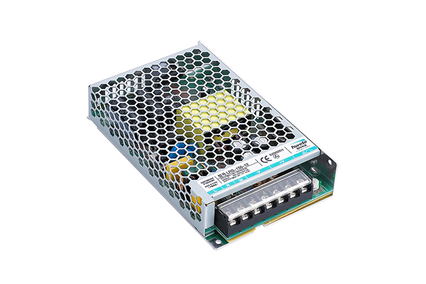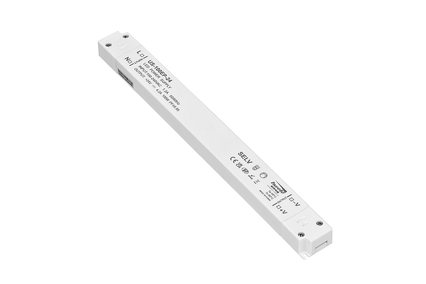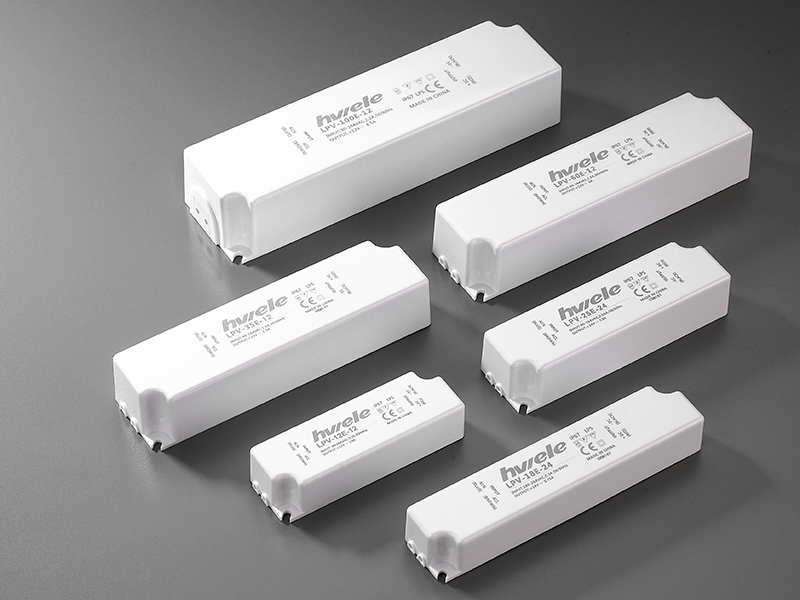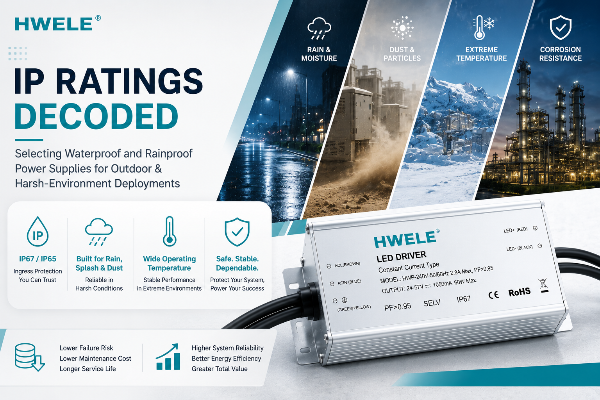


When your LED lighting system starts flickering or dimming, the issue often lies not in the LEDs but in the LED driver that powers them. Whether you’re using a Constant Voltage LED Driver or a constant current model, knowing how to accurately measure the output voltage is key to ensuring stable lighting performance and extending lifespan. In this guide, we’ll walk you through how to check the output voltage of an LED driver, what tools you need, and how to stay safe during the process.

A Constant Voltage LED Driver provides a fixed, stable DC output—usually 12V or 24V—regardless of how many LEDs are connected, as long as the total load doesn’t exceed the driver’s rated power.
This makes it ideal for LED strips, light boxes, and other parallel-wired lighting systems. The driver’s internal circuitry ensures voltage stability, preventing fluctuations that could lead to overheating, flickering, or premature LED failure.
By contrast, a Constant Current LED Driver regulates the current instead of voltage, which is more suitable for high-power LEDs or single-chip modules. If you’re unsure which type you’re using, you can check the label or use a constant current LED driver calculator to verify its rating.
Regularly checking the output voltage of your LED driver helps ensure that your lighting operates efficiently and safely. Here’s why this matters:
Prevents overvoltage damage: Too high a voltage can burn out LEDs quickly.
Ensures consistent brightness: Stable voltage maintains uniform illumination across all lights.
Diagnoses performance issues: If your LEDs are flickering, dimming, or failing to light up, measuring the driver’s output can help determine whether the driver or the LED strip is faulty.
Extends lifespan: Maintaining the correct voltage reduces stress on LEDs and extends both driver and lamp life.

Confirm driver type & rating. Read the label or datasheet to learn the rated output voltage (e.g., 12V DC, 24V DC) and max wattage. If it’s a HENGWEI LED Driver, the spec sheet will list nominal output and tolerance.
Gather tools. Digital multimeter (DMM) capable of DC volts, insulated probes, gloves, safety glasses, and a clamp meter if you plan to measure current.
Inspect wiring. Look for loose terminals, corroded connectors, or visible damage. Fix obvious issues before testing.
Plan for load testing. If possible, measure both no-load (driver only) and under-load (with LEDs connected) voltages. Load readings are the most meaningful for real-world performance.
Turn off mains power feeding the LED driver at the circuit breaker.
Wait 30 seconds for internal capacitors to discharge (longer if driver has large capacitors).
Wear insulated gloves and stand on a non-conductive surface.
Locate the driver’s output terminals. They are normally marked V+ / V−, 12V / GND, or + / −. Many HENGWEI LED Driver models are clearly labeled.
If the driver uses screw terminals, loosen only as needed to insert probes later — do not fully remove wiring unless replacing.
Set the DMM to DC voltage (V⎓).
Select a range slightly higher than expected output (e.g., 0–50V range for a 24V driver).
Verify the meter leads are in the correct ports (red to V/Ω, black to COM).
With power still off, place the multimeter probes so you can quickly connect once power is on: red to V+ terminal, black to V− terminal. If you can’t safely hold probes, use alligator clips rated for low-voltage testing.
Turn the mains power on.
Read the DMM after 1–2 seconds (allow the driver to stabilize).
Healthy reading: within ±5% of nominal (e.g., 24V ±1.2V).
Notes: Some CV drivers slightly overshoot by design when unloaded; that is normal if within tolerance.
Turn power off before moving probes.
Reconnect the LED load (strip, module, or lamp). Use the typical working load (not a single small LED unless that’s your use-case).
Turn power on and allow LEDs to run 10–30 seconds to stabilize temperature and output.
Measure V+ to V− again. This is the true output voltage of led driver under working conditions.
Expected: voltage should remain within ±5% of nominal.
If voltage drops significantly (>5–10%), suspect voltage drop (wire resistance), overload, or failing driver.
Current check: Use a clamp meter or inline current meter to confirm driver current and that total wattage ≤ driver rating (use V × I). If using a constant-current setup elsewhere, use a constant current led driver calculator to size appropriately.
Ripple / noise: If LEDs flicker or colors shift, more advanced tests with an oscilloscope can reveal excessive ripple on the DC output — a sign of failing capacitors or poor regulation.
Temperature check: If the driver is hot to touch (beyond normal operating temp), consider load reduction or replacement.
Normal: Voltage within tolerance, stable under load → no immediate action.
Slightly low under load: Check wiring length/gauge and connectors for voltage drop; consider thicker wire or shorter runs.
Large drop, fluctuation, or no output: Replace driver or consult manufacturer (e.g., HENGWEI tech support). For repeat installations, prefer drivers with good voltage stabilization effect and strong anti-interference ability — features highlighted in HENGWEI LED Driver specs.
| Voltage Reading | Possible Cause | Recommended Action |
|---|---|---|
| Within ±5% of rated voltage | Normal operation | No action needed |
| Slightly low voltage | Overload or long cable distance | Reduce load or shorten wiring |
| Unstable or fluctuating voltage | Driver aging or interference | Replace with a new HENGWEI LED Driver |
| No voltage output | Internal failure or short circuit | Check fuse or replace driver |
Measuring the output voltage of a constant voltage LED driver is an essential skill for maintaining efficient and long-lasting lighting systems. With the right tools, a bit of care, and an understanding of how your LED driver works, you can easily diagnose issues before they lead to costly failures. For consistent performance, stability, and durability, choose HENGWEI LED Drivers—your trusted partner in professional LED power solutions.


 Optimized by Seraphinite Accelerator