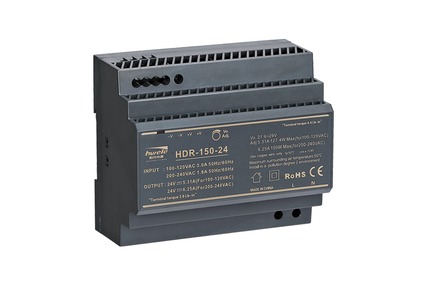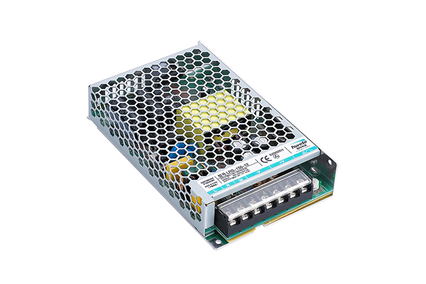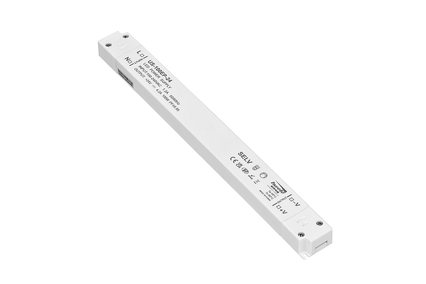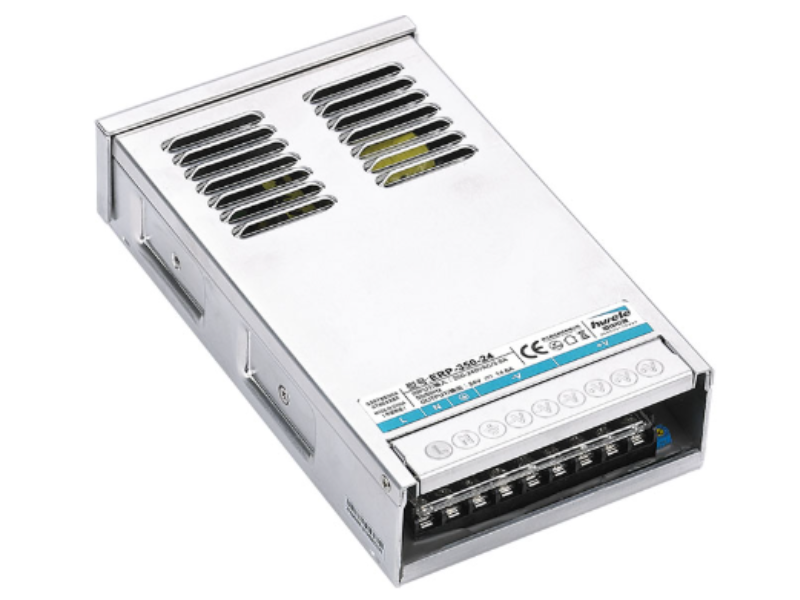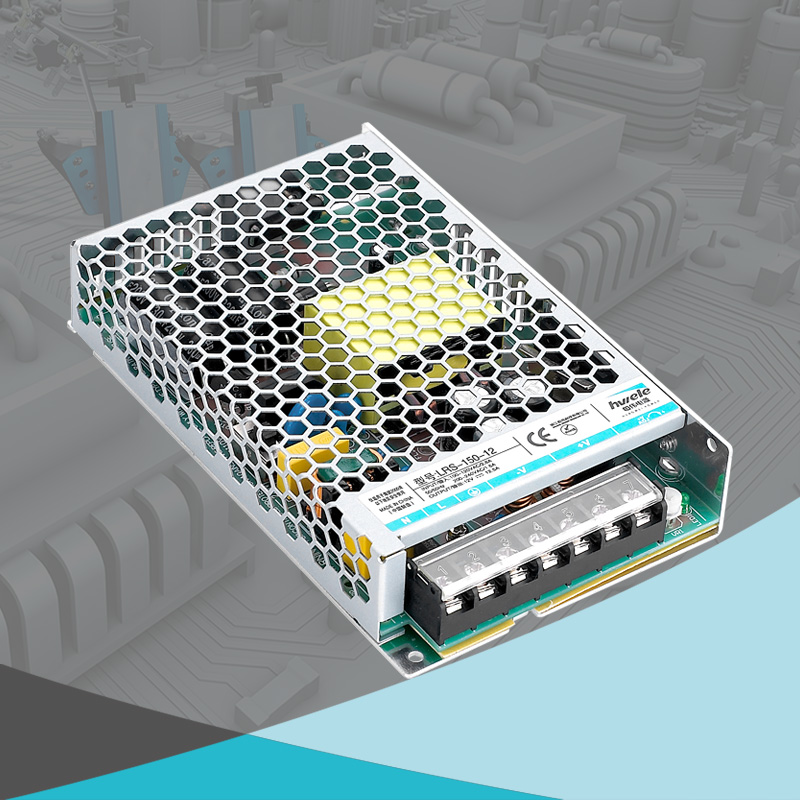


When your LED lights suddenly start flickering, dimming, or stop working altogether, the culprit is often the LED driver—the power supply unit that keeps LEDs running safely and efficiently. Just like any electronic component, LED drivers can degrade over time or fail due to heat, moisture, or electrical stress. Understanding how to tell if a LED driver is bad not only helps you fix lighting issues quickly, but also prevents costly replacements or downtime in larger systems.
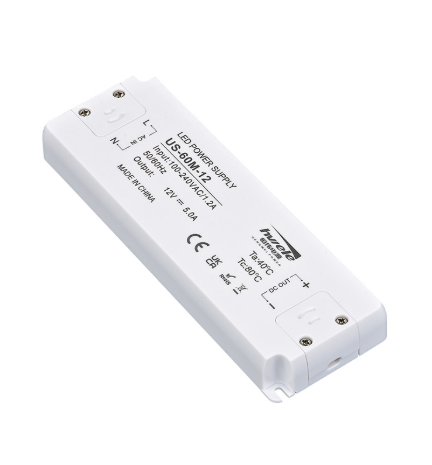
An LED driver is a type of power supply that regulates the amount of current and voltage supplied to an LED or group of LEDs. Since LEDs are sensitive to current fluctuations, the driver ensures a stable power flow and prevents damage.
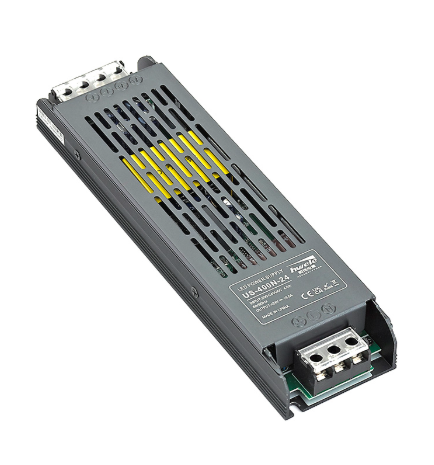
Flickering is one of the earliest and most noticeable signs of a failing LED driver. It usually occurs when the driver’s power supply circuit cannot provide stable current or voltage.
Possible causes include:
Capacitor degradation inside the LED driver circuit
Unstable mains voltage or excessive electrical noise
Loose wiring or poor connections between driver and LED bulb
Overloaded driver output beyond rated wattage
If your LEDs blink repeatedly or pulse when turned on, it’s a strong indicator that the driver’s voltage regulation is no longer stable. This is especially common in dimmable LED drivers where voltage fluctuations cause visible light modulation.
When LEDs suddenly appear dimmer than usual or the brightness varies across different fixtures, your driver may not be delivering the correct output current.
What it means:
The constant current LED driver has partially failed and is unable to regulate current consistently.
Voltage drops or internal resistance have increased within the power circuit.
Some channels in multi-output drivers are malfunctioning, leading to uneven brightness.
Dim light output can also occur if your LED driver bulb is mismatched with the power supply. Always check the rated voltage and current on both components before assuming the LEDs themselves are faulty.
Another symptom of a bad LED driver is when lights switch on and off unpredictably, without any user input.
This behavior often happens due to:
Overheating protection triggering repeatedly inside the driver
Failing internal components such as transformers or MOSFETs
Poor LED driver installation with improper grounding or unstable wiring
When this happens, the driver tries to protect itself by shutting down and restarting automatically—causing visible blinking or temporary blackouts.
If your LED fixture doesn’t light up at all, the problem might seem straightforward—but confirming it’s the driver is important.
Troubleshooting tips:
First, verify that power is reaching the driver input terminals.
If there’s input power but no output, the LED driver power supply has failed.
Burnt smell, melted casing, or charred components are clear indicators of total driver failure.
This is one of the most direct answers to “how to tell if a LED driver is bad”—no light output combined with visible damage almost always confirms the issue.
Healthy LED drivers operate silently. If you notice buzzing or humming noises, especially from ceiling fixtures or enclosed housings, it’s a warning sign of internal component wear.
Common reasons:
Vibrating coils or transformers inside the LED driver circuit
Loose components affected by high-frequency switching
Faulty dimming compatibility in dimmable LED drivers
Buzzing sounds may start faintly and grow louder over time—an early sign that the driver’s internal components are reaching the end of their lifespan.
Overheating is both a symptom and cause of LED driver failure. When the driver runs hotter than usual, it can damage its internal electronics and connected LEDs.
Possible causes include:
Inadequate ventilation or installation in enclosed spaces
Power overloading beyond rated wattage
Internal short circuit or capacitor breakdown
Poor heat dissipation design in low-quality drivers
A burnt smell or discoloration on the casing is a red flag—immediately disconnect the driver to prevent further damage or fire risk.
If your LED lights flicker or won’t dim smoothly when using a dimmer, the issue may not be the switch itself—it’s likely the dimmable LED driver.
Key causes:
Incompatible dimmer type (e.g., TRIAC dimmer used with 0–10V driver)
Driver’s dimming circuit degradation
Insufficient load on the dimmer channel
Always pair a dimmable driver with a matching dimmer system. Inconsistent dimming is one of the most overlooked symptoms of bad LED driver performance.
If your LED bulbs keep burning out earlier than expected, the real cause may be a malfunctioning LED driver that’s supplying unstable current. Excess current flow overheats the LED chips, drastically shortening their lifespan.
In many cases, replacing the driver instead of the bulbs restores normal performance. This is particularly relevant in integrated fixtures where LEDs and drivers share the same housing.
A technical but precise way to confirm driver failure is by checking voltage stability using a multimeter.
If voltage fluctuates widely or spikes under load, it indicates unstable power regulation.
For constant current LED drivers, inconsistent current readings confirm internal component failure.
This test is crucial for professional technicians performing LED driver replacement or diagnosing large lighting systems.
| Symptom | Possible Cause | Suggested Action |
|---|---|---|
| Flickering lights | Unstable current, capacitor failure | Replace driver |
| Dim or uneven brightness | Partial failure of constant current circuit | Check driver output |
| Random on/off behavior | Overheating protection triggered | Improve cooling or replace driver |
| No light at all | Power circuit burned out | Confirm input/output voltage |
| Buzzing sound | Coil or transformer vibration | Replace driver |
| Overheating | Poor ventilation, overload | Ensure proper installation |
| Dimming issues | Incompatible dimmer or driver degradation | Use matching dimmable driver |
| LED bulbs failing early | Unstable current damaging LEDs | Replace with high-quality driver |
| Voltage instability | Faulty regulation circuit | Test with multimeter |
| Circuit breaker trips | Internal short or overload | Disconnect and inspect driver |
Start with a simple, non-invasive check. Many failures can be detected just by looking carefully.
Power off the system and inspect the driver casing.
Look for burn marks, cracks, swelling, or melted areas.
Smell for burning odor – a strong burnt or chemical smell usually indicates an internal short.
Check wiring and connectors – loose, corroded, or broken connections can interrupt the power path.
These easy steps are often enough to reveal early warning signs of damage, one of the first clues in how to tell if a LED driver is bad.
Reconnect power carefully and measure the driver’s AC input using a multimeter.
The voltage should match your mains supply (e.g., 120V or 230V AC).
If no voltage is present, the issue is likely external (a tripped breaker, blown fuse, or wiring issue).
If the input is normal but there’s no output, the fault is almost certainly inside the driver.
This is the key step for anyone asking “How do I know if my LED driver is bad?”
Check the label on your LED driver for rated output values.
Identify whether it’s a constant voltage or constant current LED driver, and note the output range (e.g., 12VDC, 24VDC, or 700mA).
Measure no-load output:
For constant voltage drivers, measure output voltage with no load connected. It should be close to the rated value (e.g., 12.0–12.5V).
For constant current drivers, note that voltage may fluctuate when no load is connected — this is normal.
Measure under load:
Connect your LED light or a proper test load, then measure the output.
If voltage/current is stable and within spec, the driver is working correctly.
If output fluctuates, drops, or cuts out, it indicates internal failure.
Observe start-up behavior:
Bad drivers often produce an overvoltage spike or unstable startup, which can damage LEDs quickly.
A healthy LED driver should provide clean DC output.
If you have an oscilloscope:
Observe the output waveform — excessive ripple, spikes, or noise indicate degraded filter capacitors or poor voltage regulation.
Without an oscilloscope:
Set your multimeter to AC voltage mode and measure the driver’s DC output; any significant AC reading shows instability.
Unstable output ripple is a common hidden cause of LED flickering and brightness fluctuation.
Run the driver under load for several minutes, then check its temperature by touch (carefully) or using an infrared thermometer.
If it overheats quickly, internal components may be failing or ventilation is poor.
Check for auto-restart behavior:
Some drivers shut down and restart repeatedly when overheated or overloaded, causing flickering or random shutdowns.
Frequent thermal cycling is a key symptom of a bad LED driver.
Inside every LED driver circuit, electrolytic capacitors help filter power. Over time, they dry out or bulge, leading to output instability.
If you can safely open the driver:
Look for swollen or leaking capacitors.
Use an ESR meter to measure equivalent series resistance (ESR). A high ESR means the capacitor is failing.
Replacing these components can sometimes restore normal operation — but only for experienced technicians.
The most straightforward way to confirm a failure is to replace the suspected driver with a working one.
Use a driver with the same voltage, current, and power rating.
Connect it to the same LED load and observe the result.
If the lights work normally, the original driver is confirmed faulty.
For reliable testing, use a trusted brand such as HENGWEI LED Driver, known for stable output and strong anti-interference capability.
After diagnosis, decide the next step:
Repairable issues:
Minor component damage (e.g., capacitor or fuse) can sometimes be fixed by a professional.
Non-repairable or high-cost cases:
If the power regulation IC or main circuit is damaged, a complete LED driver replacement is more cost-effective.
When replacing, select a quality unit that offers:
Stable voltage regulation
Strong anti-interference performance
Easy installation and reliable protection
These features are standard in HENGWEI LED Drivers, which are designed for long-term, maintenance-free performance.
| Test Step | Observation | Likely Result | Next Action |
|---|---|---|---|
| No visible damage | Looks normal | May still work | Continue testing |
| Burn marks / smell | Burnt or melted case | Internal failure | Replace driver |
| No input voltage | 0V AC | External wiring issue | Check circuit |
| Input OK, no output | 0V DC at output | Driver failure | Replace driver |
| Flickering output | Unstable voltage/current | Faulty regulation | Replace driver |
| Overheating | Very hot to touch | Internal overload | Improve ventilation or replace |
| Ripple/noise detected | Unstable waveform | Bad capacitors | Replace driver |
| Works with new driver | Problem solved | Old driver bad | Keep replacement |
A failing LED driver can cause flickering, dimming, or total light failure—but by understanding how to tell if a LED driver is bad, you can quickly diagnose and resolve the issue. Regular maintenance, proper installation, and choosing a high-quality driver are key to preventing problems.If you’re looking for reliable and high-performance drivers, choose HENGWEI LED Driver—engineered for efficiency, stability, and safety.


 Optimized by Seraphinite Accelerator